Operations
On-demand Obzervr training for mining maintenance crews that keeps work standardised

At a glance:
- Mining and heavy industry sites run on rotating crews, so training that only happens at go-live can't keep every new starter working the same way.
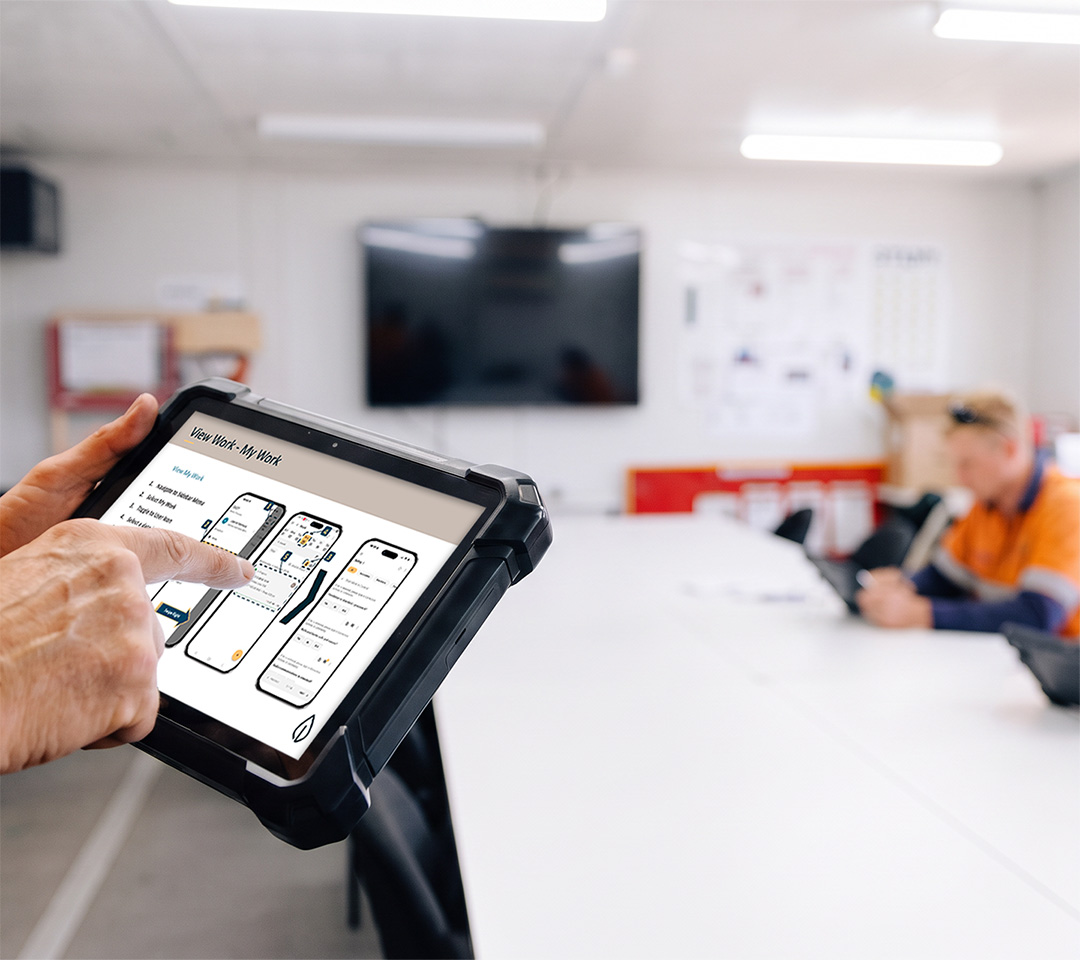
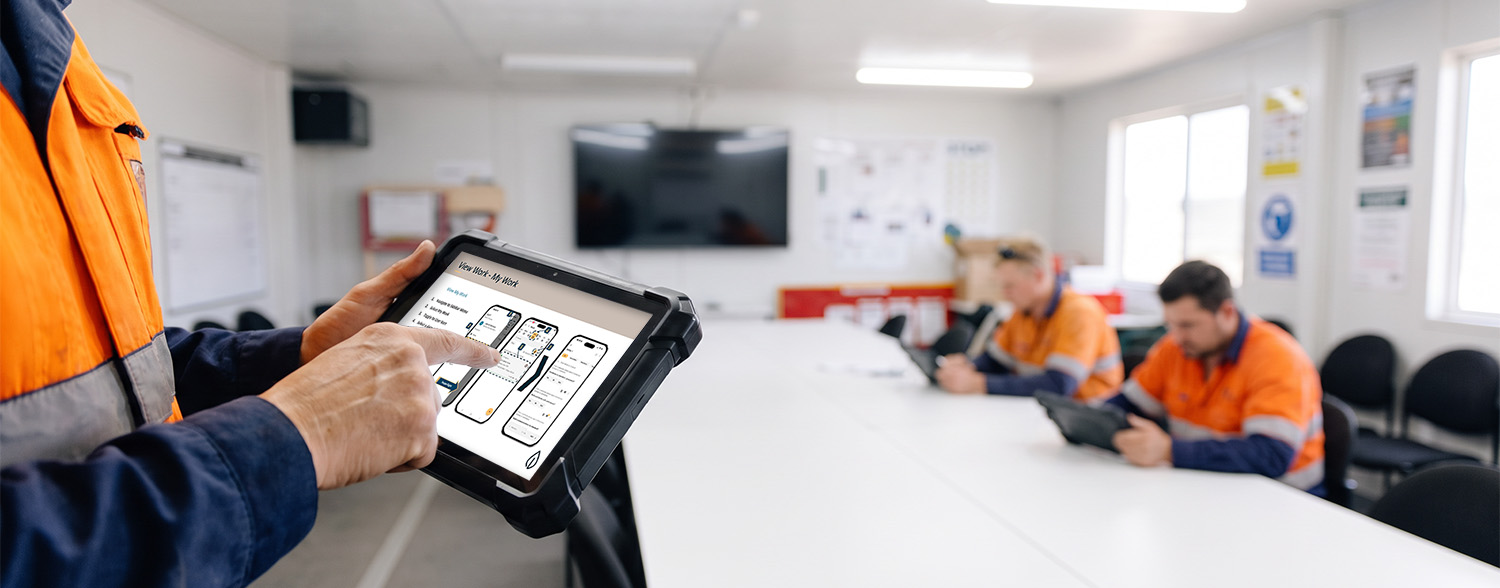
- As your technology solution partner, we can train your team at go-live, on site or online with an Obzervr trainer, as well as through on-demand, self-directed e-learning.
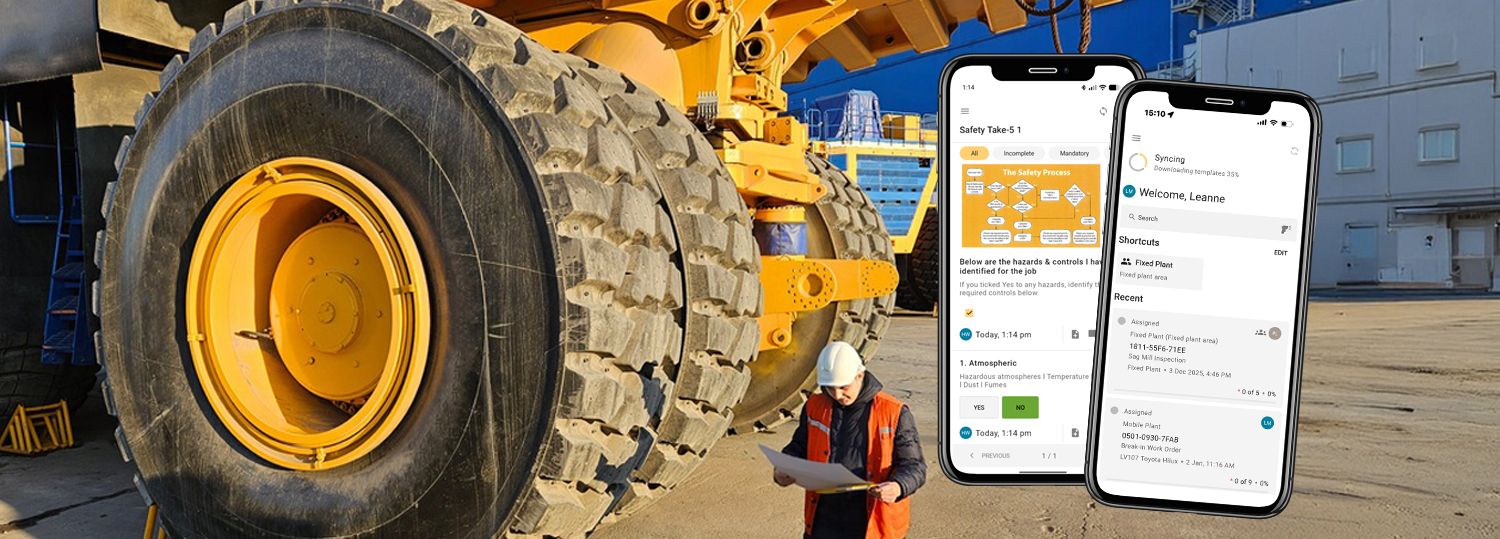
- E-learning covers every part of Obzervr’s Digital Work Management Solution: the Frontline Mobile App, Supervisor Portal (including analytics and reporting), Work Designer and Console.
- Every module is a narrated, self-paced course supplied as SCORM files, the standard e-learning format, for your own learning management system (LMS).
- The core Frontline modules and the Console module end in a scored knowledge check, so you can see who's completed training and how they scored.
- The result is faster onboarding, work that stays standardised as crews change, and a better return on your investment in Obzervr.
Go-live is when a site starts using Obzervr's Digital Work Management Solution. It isn't when the site finishes learning it. Crews change, new starters arrive, and over time small workarounds creep in. When that happens, the standardised way of working a site invested in starts to slip.
As your technology solution partner, we keep every crew member trained to use Obzervr the best-practice way, so work stays standardised long after go-live.
Go-live is the start, not the finish
Most mine and heavy industry sites run on rotating rosters. Technicians finish their swing and the next crew steps in cold. Supervisors move between sites. Contractors come and go. The work stays the same, but the people doing it keep changing. And as experienced people retire or change jobs, the tribal knowledge they hold about maintaining assets leaves with them.
Training at go-live sets a strong foundation. But what happens when the people who were trained move on? Once a site moves past rollout and hypercare, there's often no one left whose job it is to train the next new starter. The person who ran the original training has moved on to the next project, and the supervisor who could show someone the ropes is busy with their own workload.
Even small gaps can have a big impact. One user called our head office convinced the system was broken: his work was missing and the data looked wrong. Five minutes on a call showed his work was sitting behind an active filter. A week later, he called back to say the system was amazing. Nothing had changed except that he knew how to clear a filter.
Without something people can turn to on their own, the Site Implementation Lead becomes the default answer to every "how do I do this?" question, and knowing how to use Obzervr becomes tribal knowledge too: held by a few people and lost when they move on. Keeping that knowledge moving is what protects the return on your investment in Obzervr.
Why one-off training doesn't hold
This isn't unique to any one site. MAINSTREAM's State of Asset Management in Australia & New Zealand 2026 report found that experienced technicians now work alongside a generation for whom two to three years in any role is the norm, and that mining skills shortages have nearly doubled since 2021, from 34% to 63%. However, as the report states, training programmes "still assume a linear, time-served model of expertise development that no longer reflects how careers actually unfold."
Formal training time is limited too. MAINSTREAM's earlier Skilling Up report (2024) found maintenance and reliability teams spend fewer than 10 hours a month on training.
None of that is a criticism of any one site or team. It's simply what happens when constant crew changes meet training built for a workforce that stayed put. Sites need a way to keep know-how refreshed long after the trainers have left.

Three ways to learn Obzervr
Sites can use whichever training format fits how their organisation runs:
- On site: at go-live, we can train your team in person at your operation.
- Online: live sessions with a trainer from Obzervr, without anyone needing to travel.
- On demand: self-directed e-learning modules that stay with your site for every new starter, role change or user refresher.
On-demand training doesn't replace the hands-on support you get from us during implementation. It builds on it, so what your team learns at go-live doesn't leave with the people who were in the room.

How Obzervr's on-demand e-learning works
The e-learning curriculum covers every part of Obzervr's Digital Work Management Solution. We built every module in-house, in consultation with our internal subject matter experts and trainers.
- The modules cover:
- Frontline Mobile App: getting started, navigating and executing work, updating work status, and new features
- Supervisor Portal: getting started, managing work, reviewing work, plus a dedicated Analytics and Reporting module
- Work Designer: building forms, including conditional logic
- Console: managing users, teams, roles and access permissions
- Format: every module is a narrated, self-paced course supplied as SCORM files (a standard format that lets e-learning courses run in most learning management systems). Training then sits in your learning management system (LMS) alongside site inductions and compliance training. No LMS? Talk to us about your options.
- Completion tracking: the three core Frontline modules and the Console module end in a scored knowledge check, with the score and pass or fail reported to your LMS. All other modules report completion.
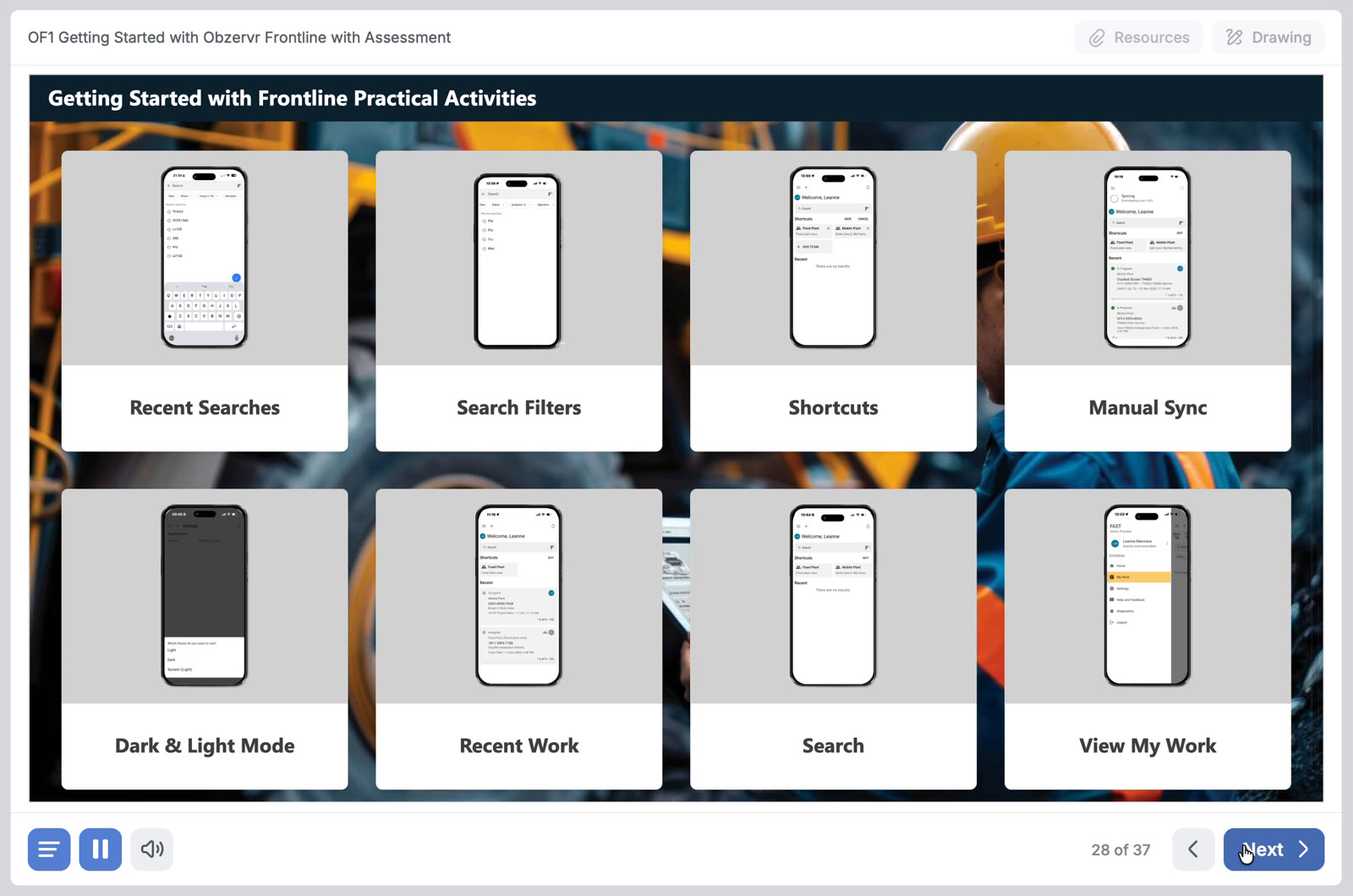
Putting the Obzervr training resources to work on site
- New starters can work through the modules in their first week, alongside their site inductions and compliance training.
- Supervisors can assign modules through your LMS, or run one with the whole crew when a process needs tightening.
- Technicians returning from a week off-roster can refresh on a module before their first shift back, without tracking down a supervisor.
- Planners, technical writers and administrators who build and update forms can learn Work Designer at their own pace, without waiting for a formal session.
- Reliability engineers and superintendents can learn analytics and reporting in the Supervisor Portal, so they can get more from the data their crews capture.
- System administrators can get up to speed on Console when they take on managing users, teams and access.
- Site Implementation Leads have something to point people to, instead of answering the same questions again and again.
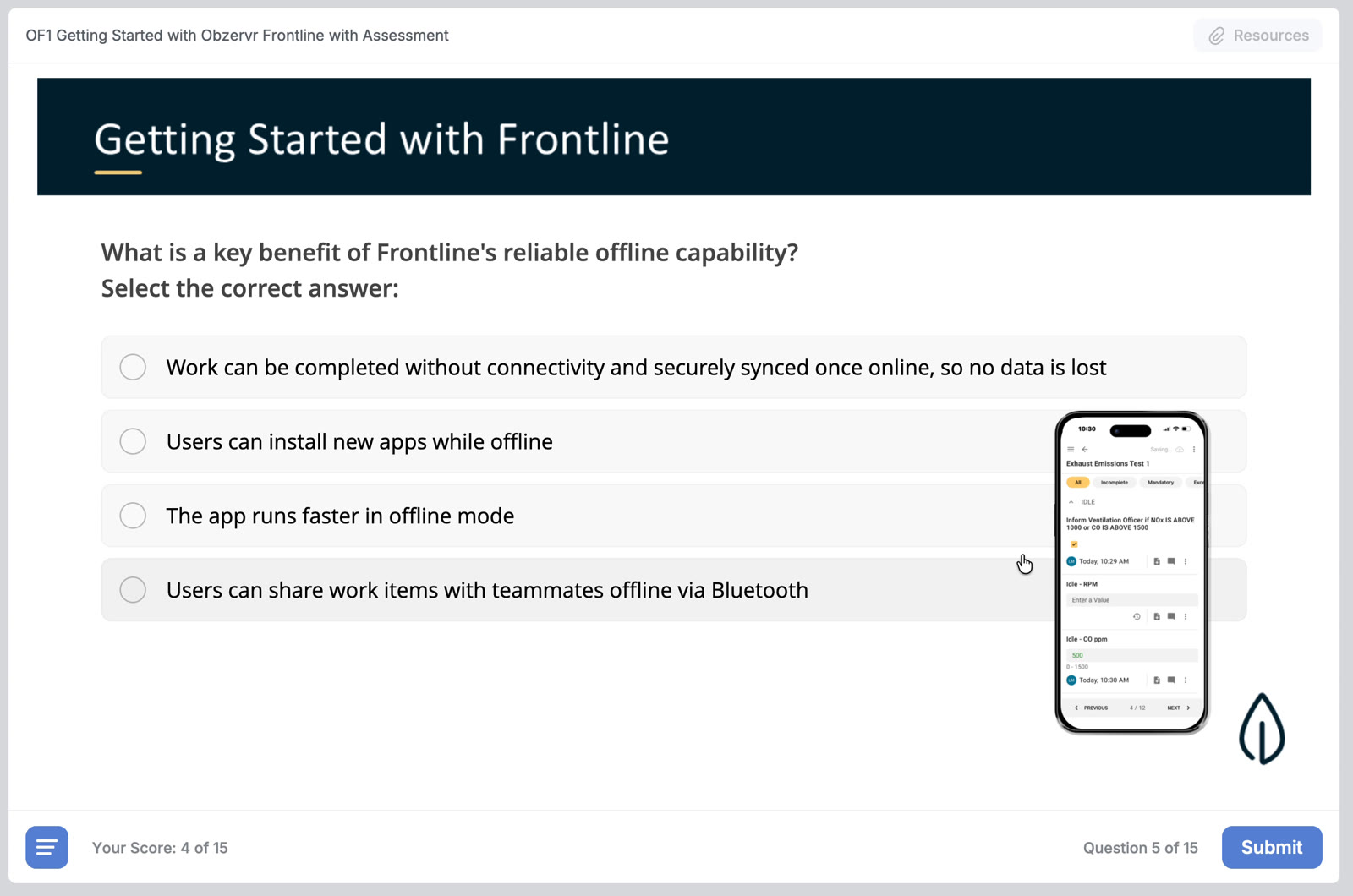
"Training costs money, and people don't retain everything from a single session. With e-learning, someone coming back after a week off-roster can watch a few short videos and they've got it again." ~ Tania Devoti, CEO & Founder, Obzervr
Ready to keep every crew trained the best-practice way?
Already using Obzervr? Talk to your Account Manager about getting the e-learning onto your learning management system, so every new starter and returning crew member is trained the same way.
Not using Obzervr for digital work execution? Request a 30 to 60min Demo & Discovery Session to see how we train your team at go-live and keep training as your crew changes.